Shaders for React, composed in JSX.
200+ shader components, TypeScript ready. Compose in your codebase, or design in the editor and export for React.


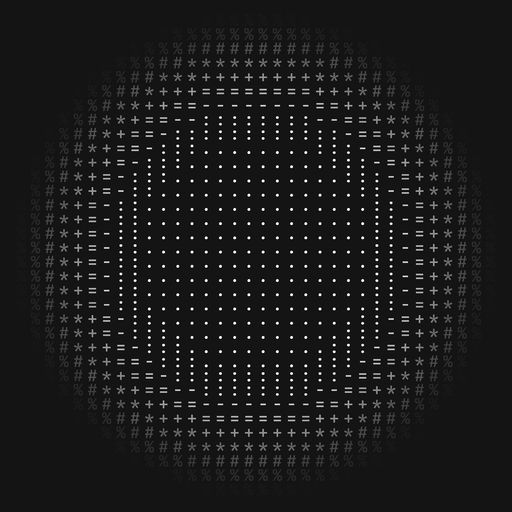
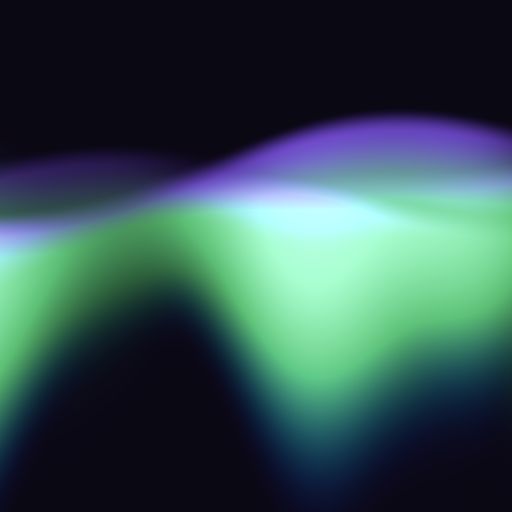
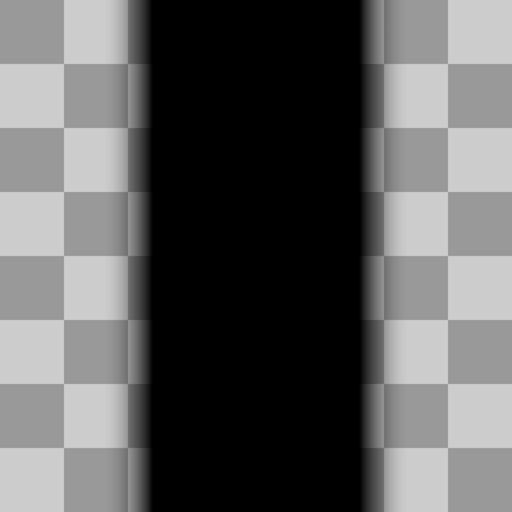

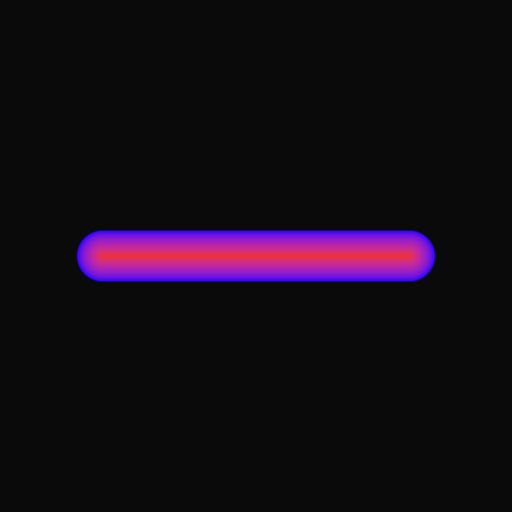

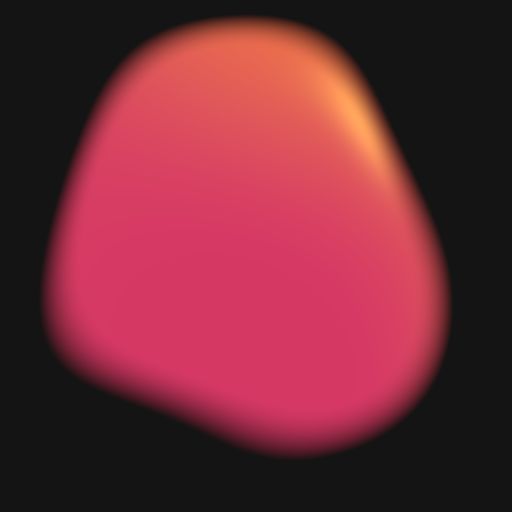





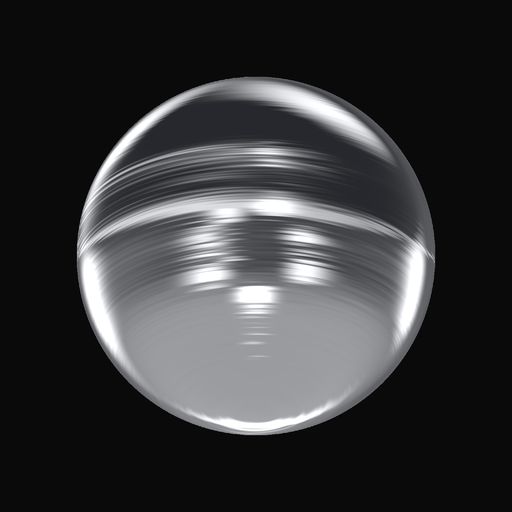
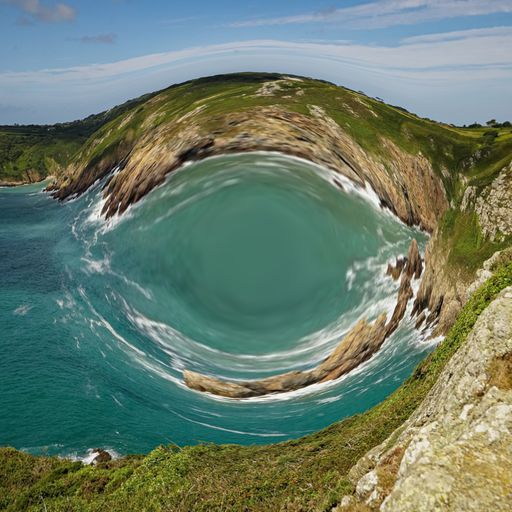
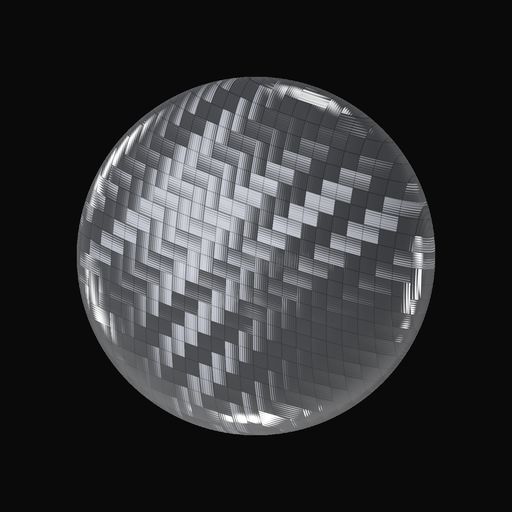

















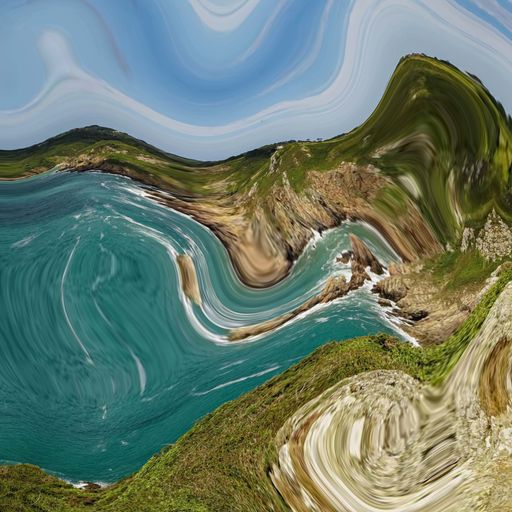

















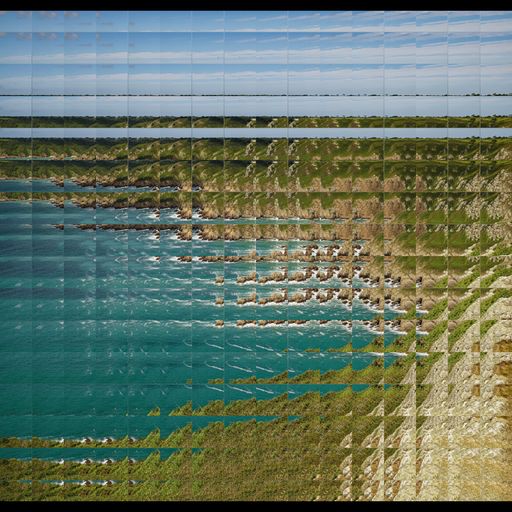
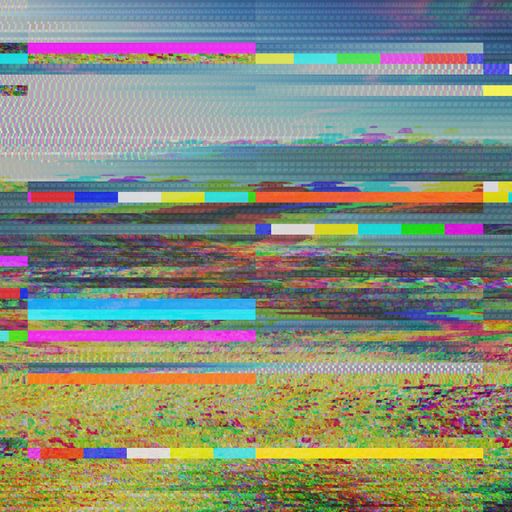


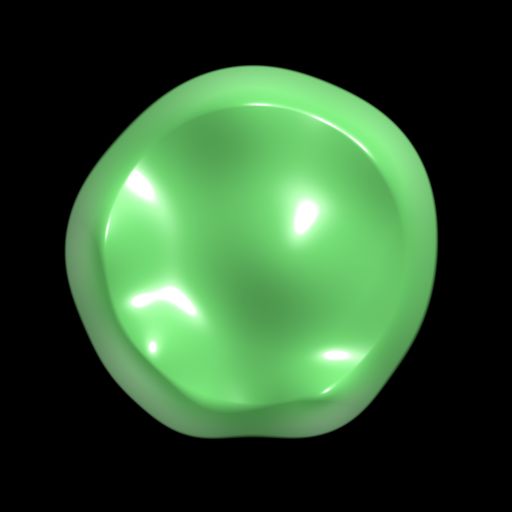

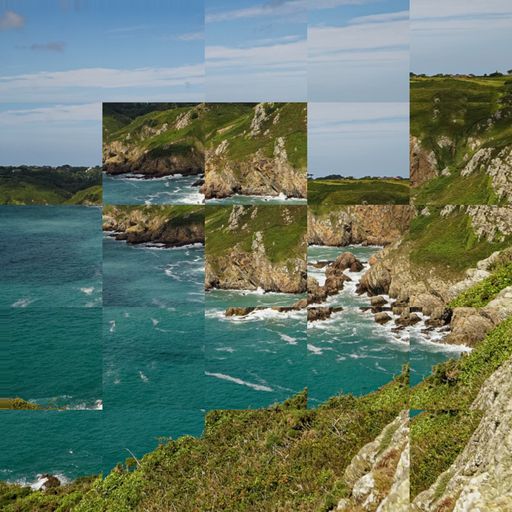


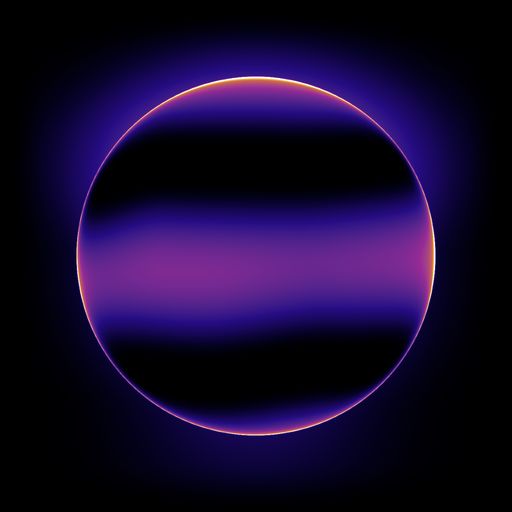

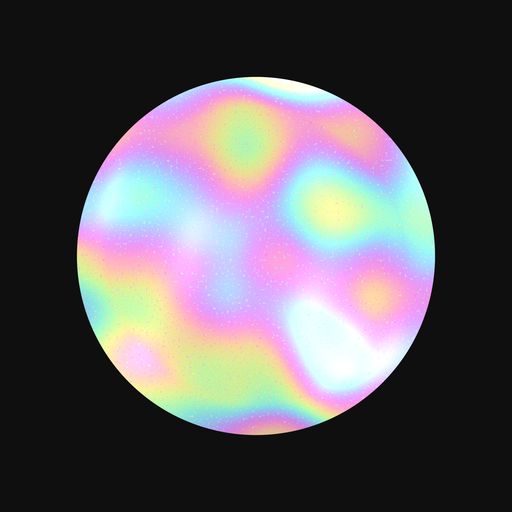


















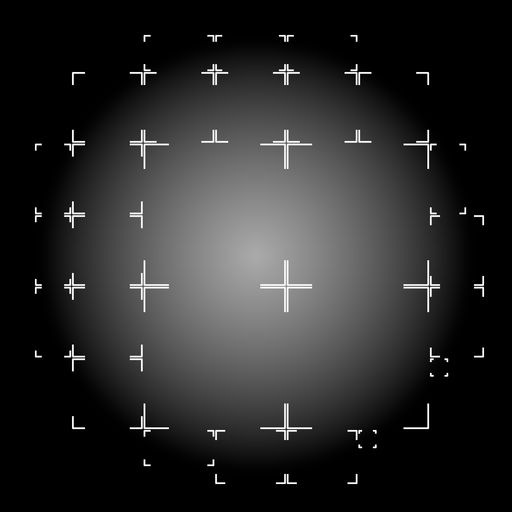

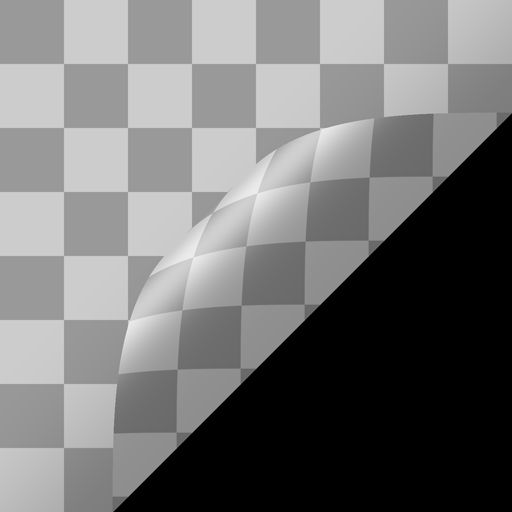


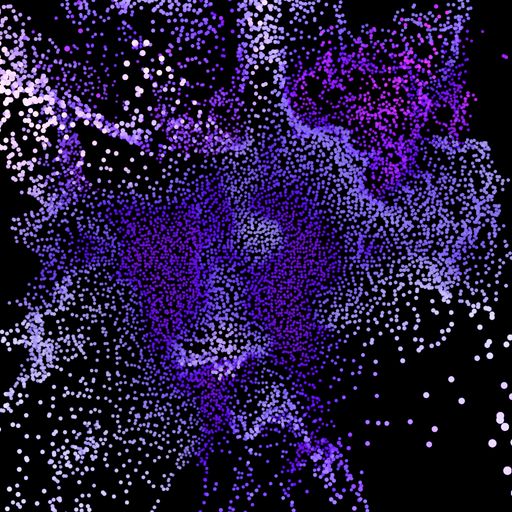

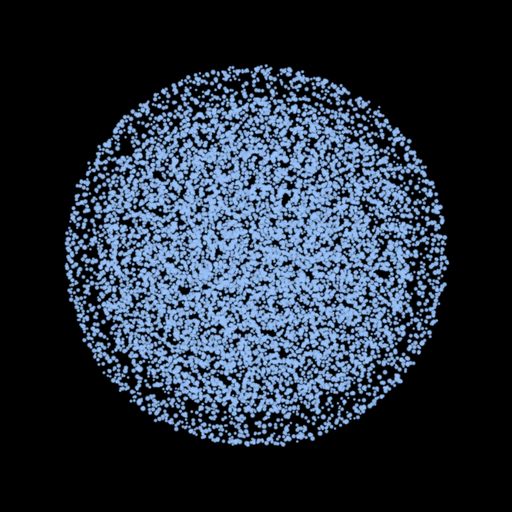

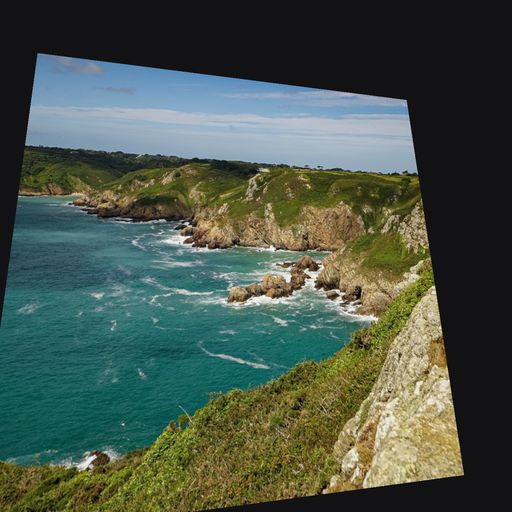



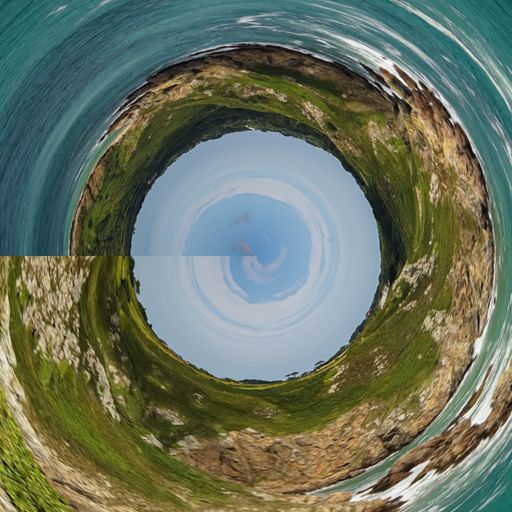
















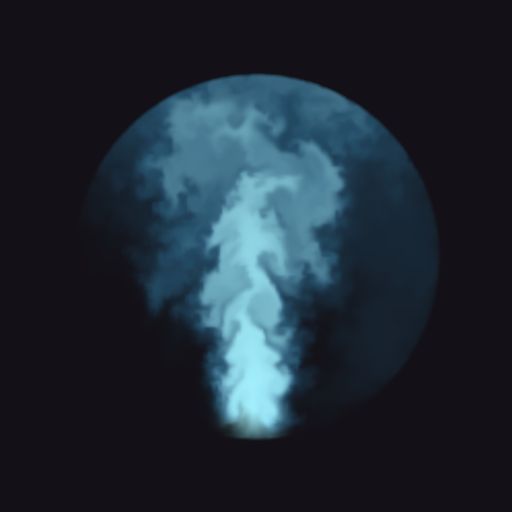








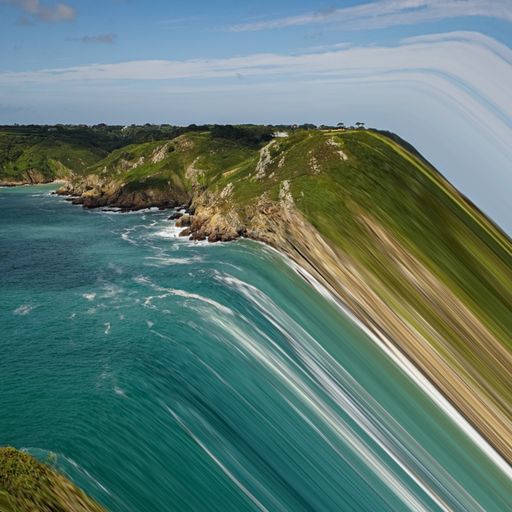



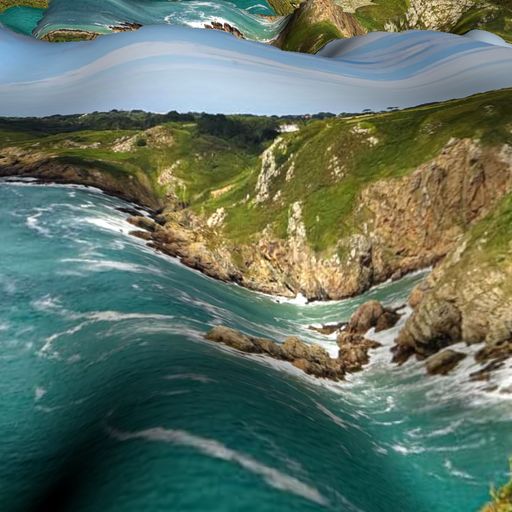




















Compatible with React 18, 19 and Next.js
Ship a shader as easily as you ship a button.
Every effect in Shaders is a React component. Install the package, import, and compose shaders the same way you compose the rest of your UI. Props are type-safe, and any prop can be bound to reactive state. Everything works in React 18 and 19, in Vite, and in Next.js.
components/GlassBackground.tsx
<GlassBackground />
Mix and match components
Stack, nest, mask and blend them to design new unique looks.
Production-ready
Every component is optimized for performance out of the box.
Fully reactive
Bind any prop to state. Drive animations reactively.

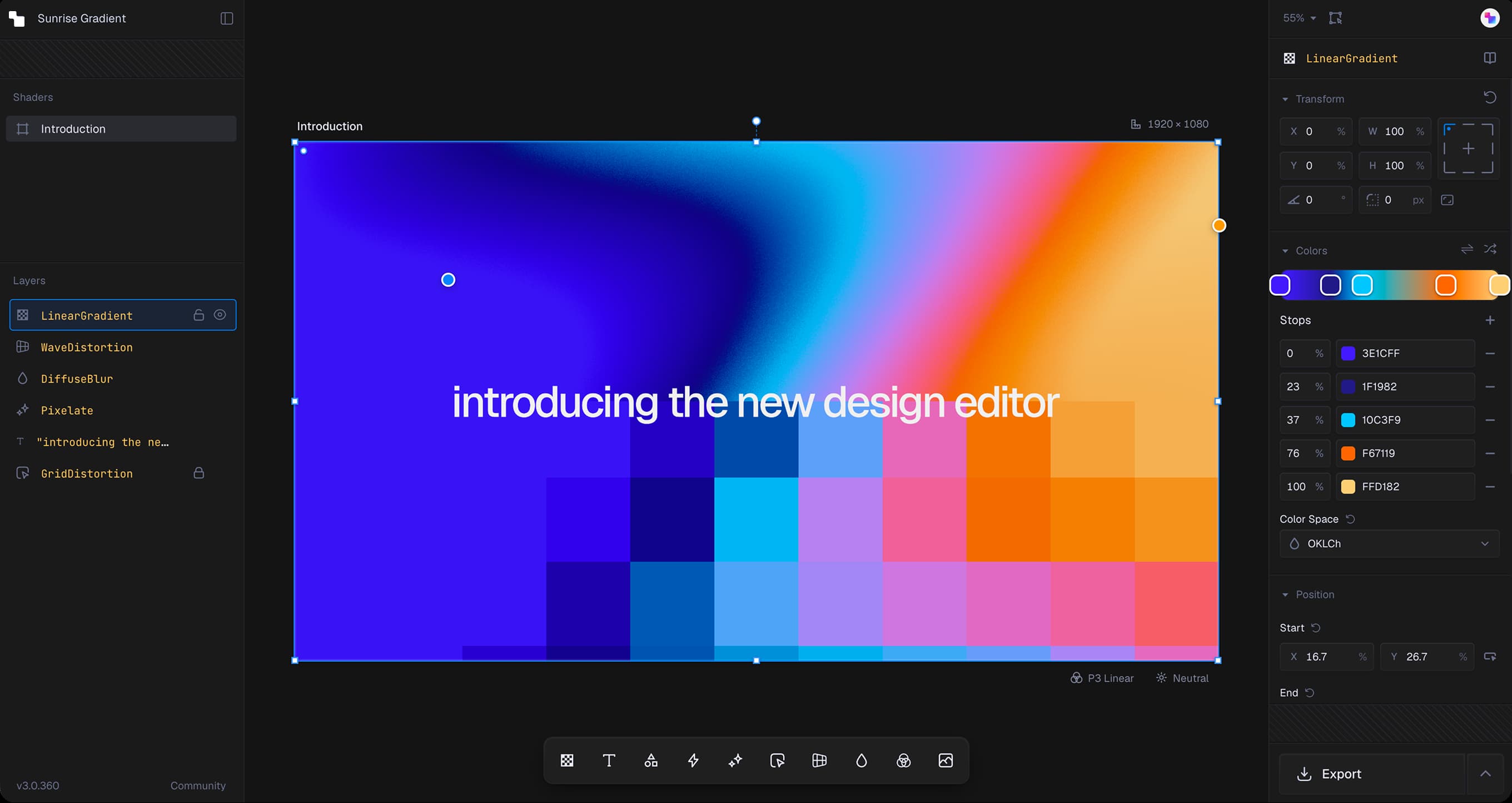
Design in a pro-grade editor. Export to your codebase.
FAQsInstalling and usage
Yes. Shaders runs on WebGPU, so it only renders in the browser. In the App Router, put the shader in a 'use client' component and use it from any Server Component, page, or layout. In the Pages Router, or to keep a file free of directives, load it with next/dynamic and ssr: false. Read the Next.js guide
Yes. Shaders has no Next.js dependency. It needs React 18 or 19 and a browser. In a client-rendered Vite app you import and render. In other server-rendered setups, render the shader after mount with a mounted-state guard.
No. You work with components and props. The shaders themselves are written and tuned by us, and the renderer compiles them for the GPU when the component mounts.
Yes. shaders/react ships type declarations, and every component has typed props, so a misspelled prop or a wrong value type is caught before it reaches the browser.
React 18 and React 19. The Shader component handles the Strict Mode double mount in development, so you can leave Strict Mode on.
Yes. The canvas has no intrinsic size. Whatever className or style you put on the Shader component controls its size and position, so w-full and aspect-video work the way you expect.
The canvas stays transparent, onReady never fires, and nothing is written to the console. The onUnavailable callback fires once so you can render your own fallback, such as a gradient or an image. WebGPU is supported in all major modern browsers. Check your browser
Effects render on the GPU, and prop changes write uniforms without recompiling. The renderer is built on TypeGPU rather than a general-purpose 3D engine, so shaders compile roughly 25x faster on the client than Three.js-based alternatives, and canvases scrolled out of view drop to about one frame per second. Performance guide
Yes. Shaders MCP connects Cursor, Claude Code, Codex, and other MCP-compatible agents to your account and the shader library. Your agent can search shaders, install them into your React codebase, and wire props to your state. Set up Shaders MCP
Yes. The package is open source under the MIT license, and the design editor and code export are free, including for commercial work. Pro adds pro-grade shaders and sections, projects and version history, and the CLI, MCP, and Framer workflow. See pricing
Yes. Shaders runs on WebGPU, so it only renders in the browser. In the App Router, put the shader in a 'use client' component and use it from any Server Component, page, or layout. In the Pages Router, or to keep a file free of directives, load it with next/dynamic and ssr: false. Read the Next.js guide
No. You work with components and props. The shaders themselves are written and tuned by us, and the renderer compiles them for the GPU when the component mounts.
React 18 and React 19. The Shader component handles the Strict Mode double mount in development, so you can leave Strict Mode on.
The canvas stays transparent, onReady never fires, and nothing is written to the console. The onUnavailable callback fires once so you can render your own fallback, such as a gradient or an image. WebGPU is supported in all major modern browsers. Check your browser
Yes. Shaders MCP connects Cursor, Claude Code, Codex, and other MCP-compatible agents to your account and the shader library. Your agent can search shaders, install them into your React codebase, and wire props to your state. Set up Shaders MCP
Yes. Shaders has no Next.js dependency. It needs React 18 or 19 and a browser. In a client-rendered Vite app you import and render. In other server-rendered setups, render the shader after mount with a mounted-state guard.
Yes. shaders/react ships type declarations, and every component has typed props, so a misspelled prop or a wrong value type is caught before it reaches the browser.
Yes. The canvas has no intrinsic size. Whatever className or style you put on the Shader component controls its size and position, so w-full and aspect-video work the way you expect.
Effects render on the GPU, and prop changes write uniforms without recompiling. The renderer is built on TypeGPU rather than a general-purpose 3D engine, so shaders compile roughly 25x faster on the client than Three.js-based alternatives, and canvases scrolled out of view drop to about one frame per second. Performance guide
Yes. The package is open source under the MIT license, and the design editor and code export are free, including for commercial work. Pro adds pro-grade shaders and sections, projects and version history, and the CLI, MCP, and Framer workflow. See pricing