
'/%3e%3cellipse%20rx='11'%20ry='4.2'%20transform='rotate(120)'/%3e%3c/g%3e%3c/svg%3e)
%20--%3e%3csvg%20version='1.1'%20id='Layer_1'%20xmlns='http://www.w3.org/2000/svg'%20xmlns:xlink='http://www.w3.org/1999/xlink'%20x='0px'%20y='0px'%20viewBox='0%200%2098.1%20118'%20style='enable-background:new%200%200%2098.1%20118;'%20xml:space='preserve'%3e%3cstyle%20type='text/css'%3e%20.st0{fill:%23FF3E00;}%20.st1{fill:%23FFFFFF;}%20%3c/style%3e%3cpath%20class='st0'%20d='M91.8,15.6C80.9-0.1,59.2-4.7,43.6,5.2L16.1,22.8C8.6,27.5,3.4,35.2,1.9,43.9c-1.3,7.3-0.2,14.8,3.3,21.3%20c-2.4,3.6-4,7.6-4.7,11.8c-1.6,8.9,0.5,18.1,5.7,25.4c11,15.7,32.6,20.3,48.2,10.4l27.5-17.5c7.5-4.7,12.7-12.4,14.2-21.1%20c1.3-7.3,0.2-14.8-3.3-21.3c2.4-3.6,4-7.6,4.7-11.8C99.2,32.1,97.1,22.9,91.8,15.6'/%3e%3cpath%20class='st1'%20d='M40.9,103.9c-8.9,2.3-18.2-1.2-23.4-8.7c-3.2-4.4-4.4-9.9-3.5-15.3c0.2-0.9,0.4-1.7,0.6-2.6l0.5-1.6l1.4,1%20c3.3,2.4,6.9,4.2,10.8,5.4l1,0.3l-0.1,1c-0.1,1.4,0.3,2.9,1.1,4.1c1.6,2.3,4.4,3.4,7.1,2.7c0.6-0.2,1.2-0.4,1.7-0.7L65.5,72%20c1.4-0.9,2.3-2.2,2.6-3.8c0.3-1.6-0.1-3.3-1-4.6c-1.6-2.3-4.4-3.3-7.1-2.6c-0.6,0.2-1.2,0.4-1.7,0.7l-10.5,6.7%20c-1.7,1.1-3.6,1.9-5.6,2.4c-8.9,2.3-18.2-1.2-23.4-8.7c-3.1-4.4-4.4-9.9-3.4-15.3c0.9-5.2,4.1-9.9,8.6-12.7l27.5-17.5%20c1.7-1.1,3.6-1.9,5.6-2.5c8.9-2.3,18.2,1.2,23.4,8.7c3.2,4.4,4.4,9.9,3.5,15.3c-0.2,0.9-0.4,1.7-0.7,2.6l-0.5,1.6l-1.4-1%20c-3.3-2.4-6.9-4.2-10.8-5.4l-1-0.3l0.1-1c0.1-1.4-0.3-2.9-1.1-4.1c-1.6-2.3-4.4-3.3-7.1-2.6c-0.6,0.2-1.2,0.4-1.7,0.7L32.4,46.1%20c-1.4,0.9-2.3,2.2-2.6,3.8s0.1,3.3,1,4.6c1.6,2.3,4.4,3.3,7.1,2.6c0.6-0.2,1.2-0.4,1.7-0.7l10.5-6.7c1.7-1.1,3.6-1.9,5.6-2.5%20c8.9-2.3,18.2,1.2,23.4,8.7c3.2,4.4,4.4,9.9,3.5,15.3c-0.9,5.2-4.1,9.9-8.6,12.7l-27.5,17.5C44.8,102.5,42.9,103.3,40.9,103.9'/%3e%3c/svg%3e)
'%3e%3cpath%20d='M27.494%205.85961C27.494%205.85961%2018.5542%20-0.669688%2011.6386%200.837074L11.1325%201.00449C10.1205%201.33933%209.27712%201.84158%208.7711%202.51125L8.43375%203.01351L5.90363%207.36637L10.2892%208.20346C12.1446%209.37539%2014.506%209.87764%2016.6988%209.37539L24.4578%2010.8821L27.494%205.85961Z'%20fill='%2376B3E1'/%3e%3cpath%20opacity='0.3'%20d='M27.494%205.85961C27.494%205.85961%2018.5542%20-0.669688%2011.6386%200.837074L11.1325%201.00449C10.1205%201.33933%209.27712%201.84158%208.7711%202.51125L8.43375%203.01351L5.90363%207.36637L10.2892%208.20346C12.1446%209.37539%2014.506%209.87764%2016.6988%209.37539L24.4578%2010.8821L27.494%205.85961Z'%20fill='url(%23paint0_linear_3193_271)'/%3e%3cpath%20d='M8.7711%205.85953L8.0964%206.02695C5.22893%206.86404%204.38556%209.54273%205.90363%2011.8866C7.59038%2014.063%2011.1325%2015.2349%2014%2014.3978L24.4578%2010.8821C24.4578%2010.8821%2015.5181%204.35277%208.7711%205.85953Z'%20fill='%23518AC8'/%3e%3cpath%20opacity='0.3'%20d='M8.7711%205.85953L8.0964%206.02695C5.22893%206.86404%204.38556%209.54273%205.90363%2011.8866C7.59038%2014.063%2011.1325%2015.2349%2014%2014.3978L24.4578%2010.8821C24.4578%2010.8821%2015.5181%204.35277%208.7711%205.85953Z'%20fill='url(%23paint1_linear_3193_271)'/%3e%3cpath%20d='M22.6024%2013.3933C21.658%2012.2223%2020.383%2011.3577%2018.9406%2010.9103C17.4982%2010.4629%2015.9541%2010.4531%2014.506%2010.882L4.04818%2014.2304L0.674683%2020.09L19.5662%2023.2709L22.9397%2017.2439C23.6144%2016.072%2023.4458%2014.7326%2022.6024%2013.3933Z'%20fill='url(%23paint2_linear_3193_271)'/%3e%3cpath%20d='M19.2289%2019.2526C18.2845%2018.0816%2017.0095%2017.2171%2015.5671%2016.7697C14.1247%2016.3223%2012.5806%2016.3124%2011.1325%2016.7414L0.674683%2020.0897C0.674683%2020.0897%209.61444%2026.7864%2016.5301%2025.1123L17.0361%2024.9448C19.9036%2024.1078%2020.9156%2021.4291%2019.2289%2019.2526Z'%20fill='url(%23paint3_linear_3193_271)'/%3e%3c/g%3e%3cdefs%3e%3clinearGradient%20id='paint0_linear_3193_271'%20x1='4.63857'%20y1='0.502238'%20x2='25.5783'%20y2='10.7542'%20gradientUnits='userSpaceOnUse'%3e%3cstop%20offset='0.1'%20stop-color='%2376B3E1'/%3e%3cstop%20offset='0.3'%20stop-color='%23DCF2FD'/%3e%3cstop%20offset='1'%20stop-color='%2376B3E1'/%3e%3c/linearGradient%3e%3clinearGradient%20id='paint1_linear_3193_271'%20x1='16.1591'%20y1='5.45773'%20x2='12.5321'%20y2='17.6272'%20gradientUnits='userSpaceOnUse'%3e%3cstop%20stop-color='%2376B3E1'/%3e%3cstop%20offset='0.5'%20stop-color='%234377BB'/%3e%3cstop%20offset='1'%20stop-color='%231F3B77'/%3e%3c/linearGradient%3e%3clinearGradient%20id='paint2_linear_3193_271'%20x1='3.1036'%20y1='10.7481'%20x2='24.2391'%20y2='25.226'%20gradientUnits='userSpaceOnUse'%3e%3cstop%20stop-color='%23315AA9'/%3e%3cstop%20offset='0.5'%20stop-color='%23518AC8'/%3e%3cstop%20offset='1'%20stop-color='%23315AA9'/%3e%3c/linearGradient%3e%3clinearGradient%20id='paint3_linear_3193_271'%20x1='12.6843'%20y1='12.4722'%20x2='4.23418'%20y2='43.6942'%20gradientUnits='userSpaceOnUse'%3e%3cstop%20stop-color='%234377BB'/%3e%3cstop%20offset='0.5'%20stop-color='%231A336B'/%3e%3cstop%20offset='1'%20stop-color='%231A336B'/%3e%3c/linearGradient%3e%3cclipPath%20id='clip0_3193_271'%3e%3crect%20width='28'%20height='26'%20fill='white'/%3e%3c/clipPath%3e%3c/defs%3e%3c/svg%3e)


1,000+ pro shaders, new drops weekly
Unlock our extensive library of pro shader components, copy-and-paste section prompts for your agent, and every new drop.
$120 billed annually · cancel anytime
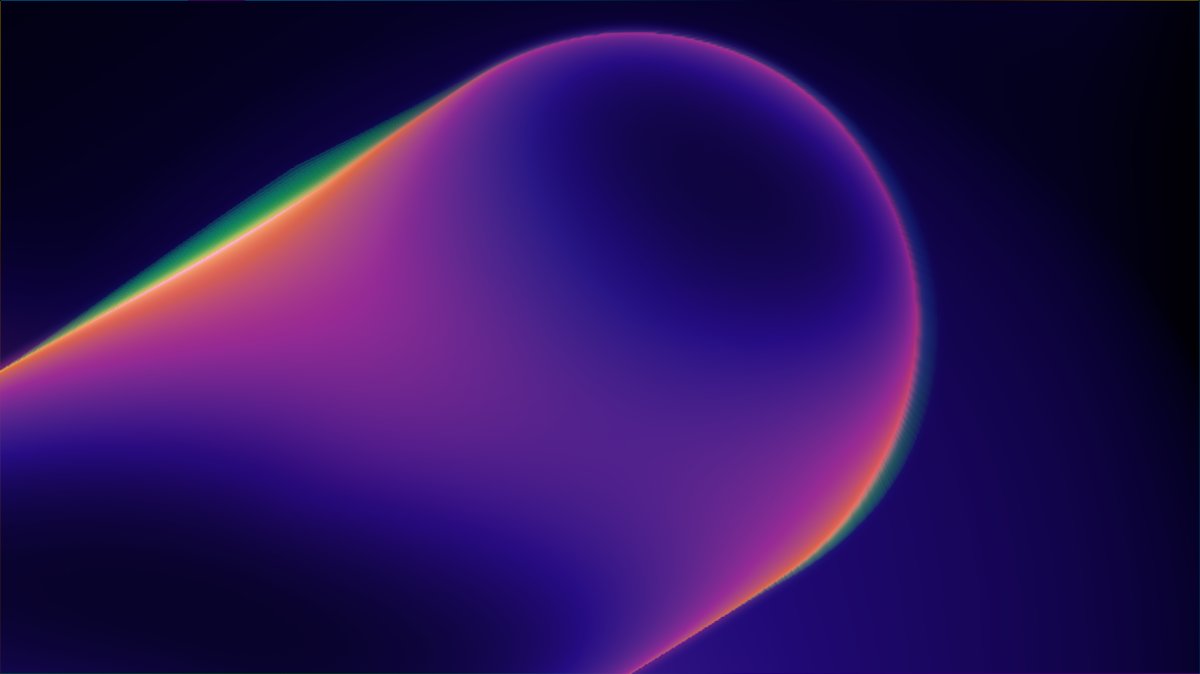
Built on open source
Every shader is created with our MIT-licensed components and runtime.
Optimized for performance
Extensively tuned to be lightweight and not slow down your browser.
Fully customizable
All props are exposed. Animate anything in code or open it in the design editor.

Explore 1,000+ pro shaders
55+ pre-made sections, ready to copy/paste
Copy a prompt, paste it into your agent, and it builds the section in your project.

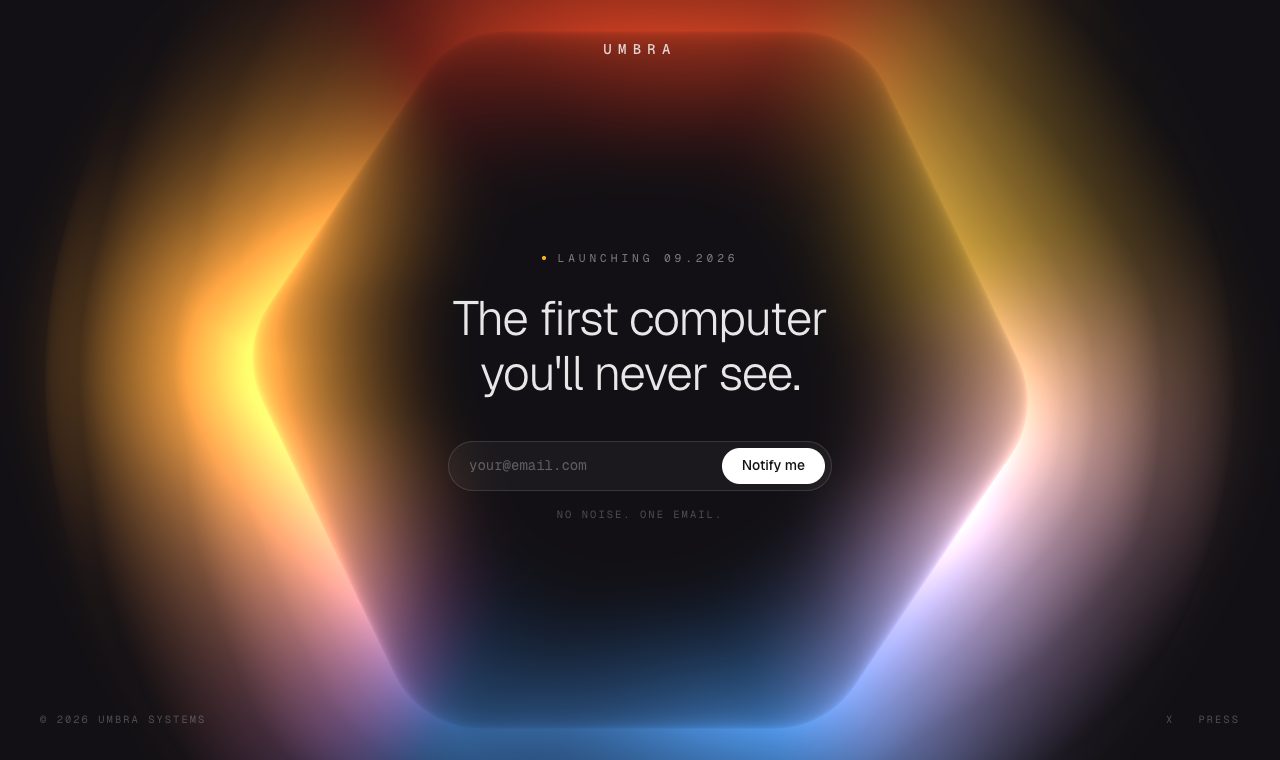
Works with Claude Code, Cursor, Codex and more
Showing 6 of 59 sections
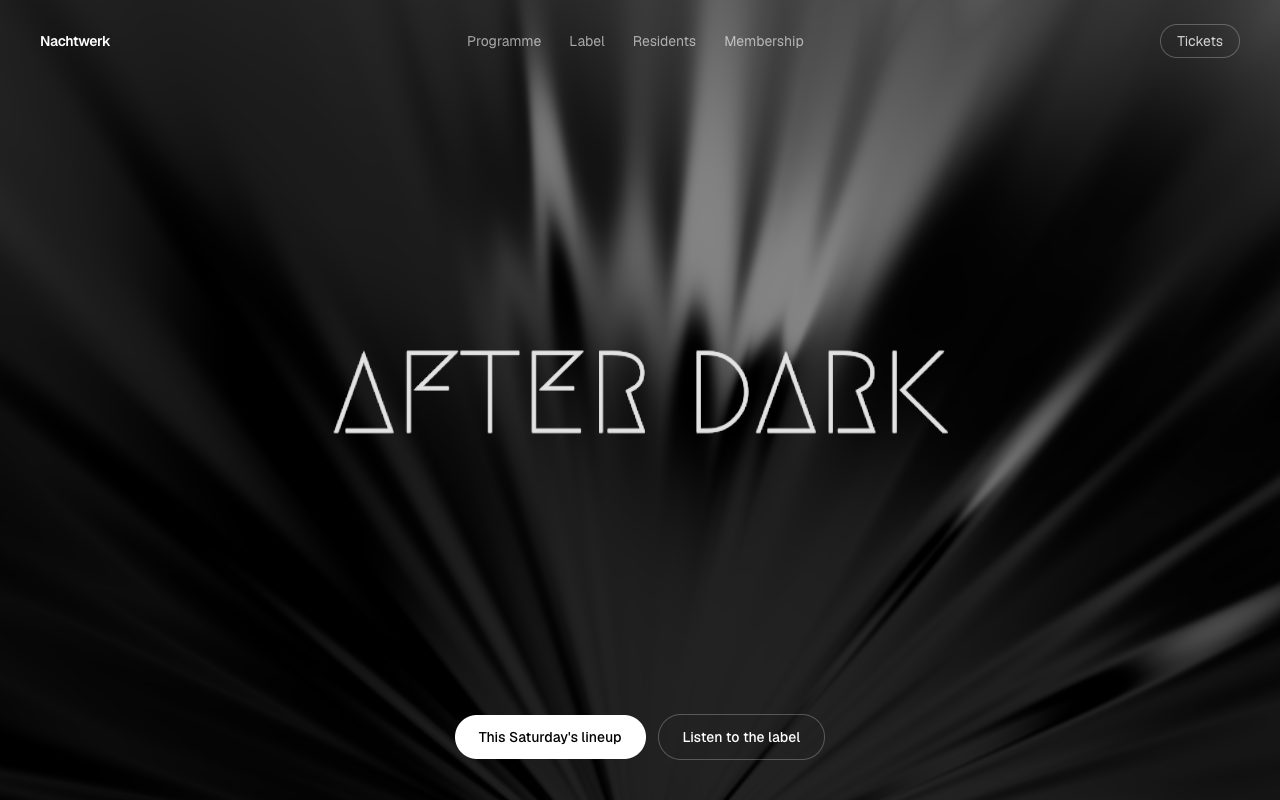 Glitch Rays HeroHero
 Irradiance Logo HeroHero
 Polyhedron FooterFooter
 Voxel Logo CTACTA
 Grid Shift HeroHero
 Docket HeroHero
What's new in Pro?
October 2026
Latest47 new shaders in 9 collections


September 2026
36 new shaders in 12 collections


Also new: Brass, Bouncy Light Logo, Pixel Ink, Nebula Logo
August 2026
136 new shaders in 29 collections


Also new: Pixel Party, Specular Lines, Data Cube, Digidots and 17 more
July 2026
100 new shaders in 26 collections


Also new: Fringe, Glowsticks, Static Noise, Point Waves and 14 more
Trusted by teams who ship
Design engineers at these companies build with Shaders Pro.







Pricing
Annual
Cancel anytime
$10/ month
$120 billed annually
Lifetime
Every future drop included
$299
One-time purchase
- 1,000+ pro shaders
- 55+ website sections
- HD video and image renders
- Pro in Framer, CLI and MCP
- Unlimited version history
- Discord role / channel
- Priority support
Questions about Pro
Still have questions? [email protected]
What's the difference between Pro and lifetime?
Only how you pay. Both include the full library, every section, and every Pro feature. Pro is $10 a month, billed $120 a year, and renews until you cancel. Lifetime is $299 once and never renews.
Can I cancel anytime?
Yes. Pro stays active until the end of the year you've paid for.
What happens to my exported shaders if I cancel?
They keep working. Anything you exported while Pro was active stays licensed for the projects you used it in. Opening or exporting new Pro shaders needs an active plan.
Can I use Pro shaders in paid client work?
Yes, in your own projects and in projects you build for clients, as many as you like. You just can't resell or redistribute the shaders themselves. See the license for the details.
Will Pro shaders work with my stack?
Yes. They're regular Shaders components, so they work in React, Vue, Svelte, Solid or plain JavaScript. Install them with the CLI, add them in Framer with the plugin, or have your AI agent add them through the MCP.
Will Pro shaders slow my site down?
Our pro shaders and the shaders runtime in general is performance-optimized to ensure everything stays as lightweight as possible. Naturally, the more shaders you use, or the larger surface you cover, the more work the GPU has to do; but in 99% of cases these will perform exceptionally.
How often do new shaders come out?
We aim to release new pro shaders every week. What's new in Pro shows what dropped recently, and both plans include everything released after you join.
What's your refund policy?
Pro purchases aren't refundable, but you can cancel anytime and keep Pro until the end of the period you've paid for. If something's gone wrong, email [email protected] and we'll work it out.
Do you offer regional or student pricing?
Yes. For regional or student pricing, email proof of residence or student ID to [email protected] for a discount code.